How to Make Background Transparent
Upload your image to NoBG.app or Remove.bg — the AI removes the background in about 5 seconds. Download the transparent PNG for free. Before uploading, make a copy and decide where the cutout will be used. A product listing, presentation, and social graphic may need different dimensions, edge cleanup, and background colors even when the source photo is the same.
Step-by-step
Pick a background removal tool
For quick one-off removals, NoBG.app gives 5 free images per day with no account needed. When edges matter — hair, fur, transparent objects — Remove.bg handles fine detail better. Erase.bg works if you want zero signup friction. Keep the original photo and inspect the cutout against both light and dark backgrounds. Use a separate export for each destination when dimensions, transparency, or shadow treatment differs, and record which tool produced the approved version.
Upload your image
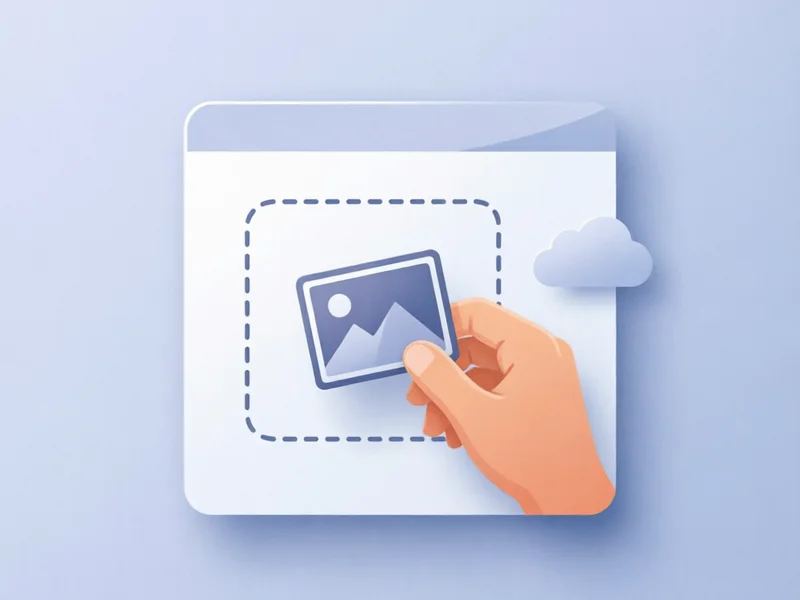
Drag and drop a JPG or PNG into the tool. NoBG.app accepts files up to 10MB. For the cleanest cutout, start with a photo shot on a plain contrasting background — white or light gray works best. Keep the original photo and inspect the cutout against both light and dark backgrounds. Use a separate export for each destination when dimensions, transparency, or shadow treatment differs, and record which tool produced the approved version.
Wait for AI processing
Background removal runs in 2 to 5 seconds on NoBG.app. The AI detects the main subject automatically with no manual selection. Complex subjects like curly hair or mesh fabric take slightly longer. Keep the original photo and inspect the cutout against both light and dark backgrounds. Use a separate export for each destination when dimensions, transparency, or shadow treatment differs, and record which tool produced the approved version.
Check the edges

Zoom into the cutout at 200% and inspect fine areas. If NoBG.app leaves jagged edges, try Remove.bg which refines hair and fur strands more precisely. PhotoRoom adds shadow recovery if the original photo had strong lighting. Keep the original photo and inspect the cutout against both light and dark backgrounds. Use a separate export for each destination when dimensions, transparency, or shadow treatment differs, and record which tool produced the approved version.
Download the transparent PNG
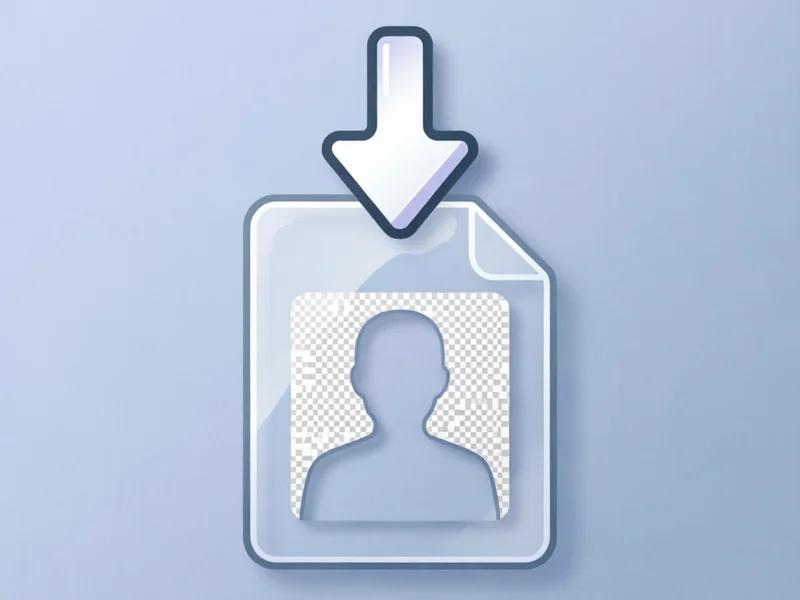
Click download to save the result. NoBG.app exports at full original resolution. Remove.bg also supports HD export. Drop the transparent PNG directly into your presentation, e-commerce listing, or design file. Keep the original photo and inspect the cutout against both light and dark backgrounds. Use a separate export for each destination when dimensions, transparency, or shadow treatment differs, and record which tool produced the approved version.
Apply it in your project
Place the cutout over a new background in Photoshop, Canva, or Figma. PhotoRoom offers built-in templates for product shots. For Amazon listings, a pure white (#FFFFFF) background works best. Keep the original photo and inspect the cutout against both light and dark backgrounds. Use a separate export for each destination when dimensions, transparency, or shadow treatment differs, and record which tool produced the approved version.
Prepare difficult subjects before processing
Images with hair, fur, glass, mesh, thin straps, or low contrast need a more careful sample review than a simple object on a plain background. Crop unnecessary surroundings without cutting into the subject, and avoid repeatedly saving a low-quality JPEG before upload. Process one representative image first, then zoom into the boundary at high magnification. If the edge is uncertain, keep the source and compare a second tool rather than painting over the problem without a reversible copy.
Choose a background and export deliberately
A transparent PNG is only the intermediate result. Place it over the intended background color or design and inspect halos, missing holes, and semi-transparent edges. Confirm that the export preserves alpha transparency and the original subject dimensions. For a web listing, check the final file in the actual component; for print or a presentation, check the color and scale at the intended size. Name the approved cutout separately from the source so a later editor does not confuse the two.
Recommended Tools