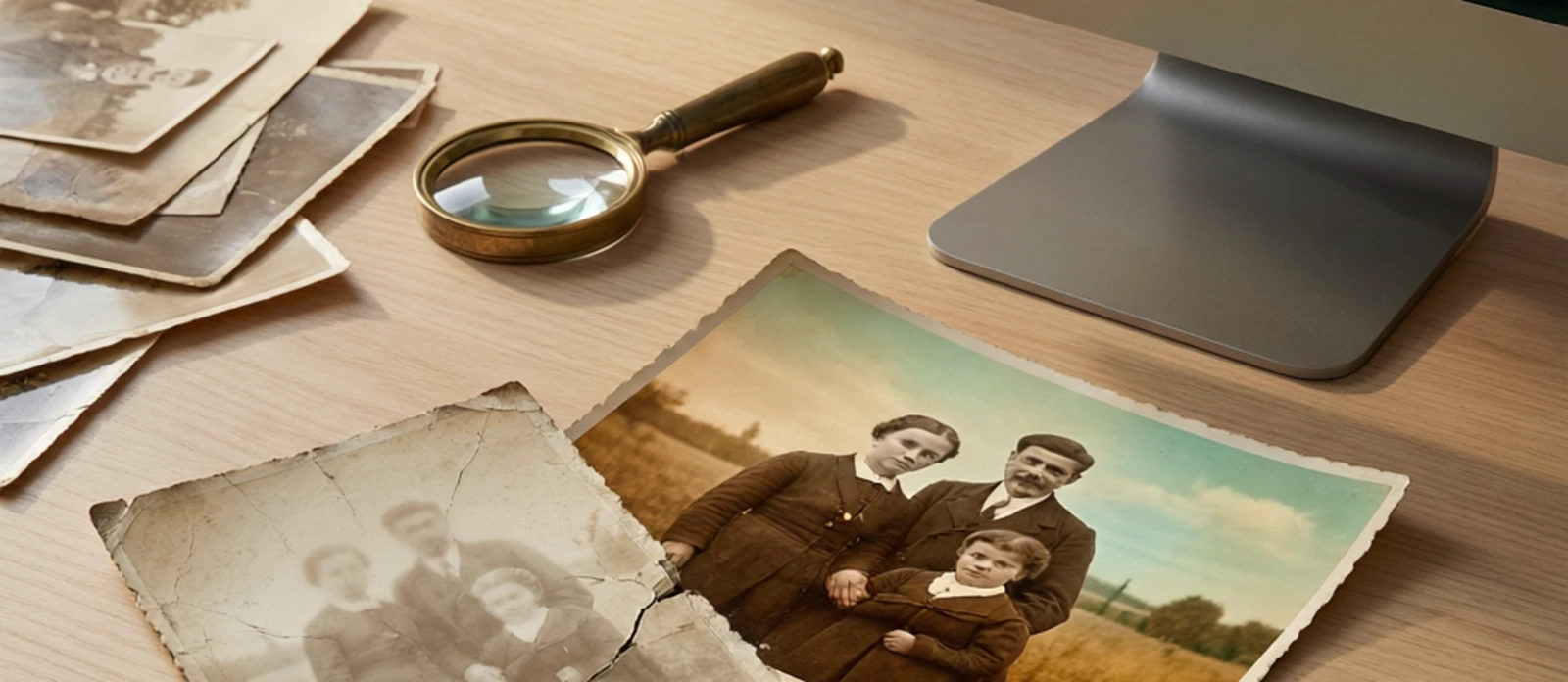
Photo restoration has been transformed by AI. What once required hours of manual work in professional editors can now be done in seconds with specialized tools that repair scratches, enhance faded details, colorize black-and-white images, and sharpen blurry faces.
The market splits into two categories. Specialist restoration tools focus exclusively on repairing and enhancing old photos with dedicated AI models — like PhotoMyne for mobile scanning and restoration, VanceAI Photo Restorer for web-based damage repair, and Topaz Photo AI for professional desktop enhancement. Generalist photo editors include restoration as one feature among many — like Adobe Photoshop for manual precision work, LetsEnhance for upscaling, and Fotor for quick AI fixes.
This comparison evaluates 8 photo restoration tools across four dimensions: pricing (value across free, subscription, and one-time models), features (restoration-specific capabilities, AI models, batch processing), user experience (interface quality, learning curve, workflow), and review quality (aggregate user sentiment from public sources). Each tool was scored with explicit confidence levels to flag where data is thin or dominated by corporate review noise.
PhotoMyne leads with the highest overall score thanks to outstanding user satisfaction (4.8/5 from 104 reviews), excellent mobile scanning and colorization, and a strong specialist focus. LetsEnhance follows as a reliable generalist with strong support and colorization features. Adobe Photoshop ranks third for professionals who need manual precision despite its premium price. At the bottom, Fotor carries a 2.0 average user rating signaling widespread billing dissatisfaction.